Sometimes it feels like we’re surrounded by the same familiar apps on every device. But there are some hidden gems that, once discovered, make daily routines much smoother and more engaging. Through research and hands-on exploration, we have found several lesser-known apps that can help turn a chaotic day into a simple checklist of wins. If you are looking to work smarter and cut through distractions, these are the apps you will want to have on your radar.
The value of fresh tools
We often depend on the apps everyone knows. In our experience, trying new solutions can spark new habits and reveal better ways to stay organized, communicate, and learn. Some of these apps are surprisingly powerful and sit quietly on app stores, waiting for us to discover them.
Sometimes the quietest tools make the biggest difference.
1. Noted: For effortless voice memos with notes
Noted lets us record meetings or quick thoughts and instantly add text notes on the timeline. It’s perfect for thinkers who can’t always type but want to stay organized. We found its search feature especially helpful—it can jump straight to key moments in an audio clip just by tapping a keyword.
2. Focus Plant: Reward yourself for concentration
This app adds a playful twist. As we stay focused, a virtual plant grows and blooms. Tasks turn into nurturing actions, making the effort visible and rewarding. For anyone with a streak of procrastination, this bit of gamification provides a gentle nudge to stay on track.
3. Raycast Mobile: Command launcher for your phone
Raycast started on desktops, but its mobile version carries over a powerful command search. We use it to launch apps, perform system actions, or look up files all with quick gestures. It becomes a secret shortcut for complex daily tasks.
4. Mindly: Visual mind maps anytime
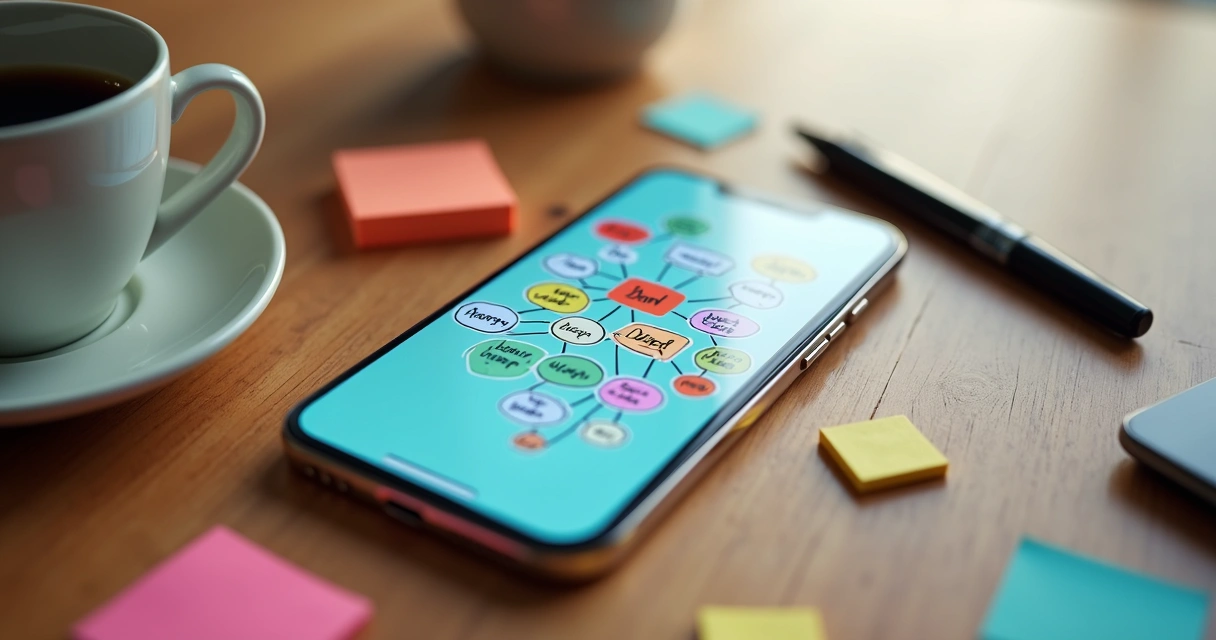
Whenever we have to plan an article or brainstorm projects, Mindly’s structured mind maps help organize everything visually. Adding ideas, links, or tasks is as simple as tapping and dragging bubbles on a clean canvas. It’s a quick way to sort out mental chaos and spot patterns.
5. Streaks: Form better habits with gentle reminders
Streaks is not just for tasks—it is for habits. We set up recurring habits: reading, meditating, or even taking screen breaks. Its clean interface and reminders support us without feeling overbearing. The motivation grows as the streak gets longer, and it feels satisfying to see progress at a glance.
6. Clips: Copy-paste without borders
This app quietly runs in the background and stores every bit of text we copy. Moving links or snippets between apps becomes effortless. We found ourselves recovering important notes days later, which would have been lost on the default clipboard.
7. Forest: Focus sessions with a calming twist
While helping people stay free from distractions, Forest grows a digital forest for every completed focus session. If you pick up your phone, your trees stop growing. Watching your little grove take shape is a satisfying outcome for staying off social media while working.
8. Just Press Record: Transcription in your pocket
We often need to capture spoken thoughts or record conversations. Just Press Record lets us do both, transcribes as it records, and works in multiple languages. Its simplicity and cloud sync mean our ideas are never locked to one device.
9. Routinery: Build morning and night routines
Whenever our days start to get scattered, Routinery helps us build healthy morning and evening routines. Instead of ticking off a regular checklist, it guides us with gentle timers and suggestions, improving habits one day at a time.
10. Slidebox: Clean up your photo gallery, fast
Slidebox is a swipe-based gallery manager. We use it for decluttering photos quickly—just swipe left to trash, right to keep, and sort into albums in seconds. It’s an easy way to find space and organize memories without spending a whole day on it.
11. Otter: Smart meeting notes
Otter does real-time voice transcription and recognizes different speakers. We have used it to keep detailed notes from calls and meetings, making it simple to review key points without manual typing. It also syncs across devices, so team collaboration stays easy.
12. Habitica: Turn routine tasks into quests
By dressing up daily to-dos as quests, Habitica adds a sprinkle of fun to everyday life. We find motivation in collecting rewards, unlocking new avatars, and progressing in a digital adventure, all while checking off chores.
13. Snapdrop: Share files between devices with a tap
When moving files between our devices—especially across platforms—Snapdrop makes it fast. There’s no cloud storage, just a local connection. Files of all sizes transfer with just a couple of taps, which is great on days filled with screenshots and drafts.

14. TickTick: More than just lists
TickTick takes task management further with built-in calendar views, habit tracking, and an easy pomodoro timer. We like how it merges personal and work projects in one place. Setting up tasks with reminders, subtasks, and even file attachments keeps everything under control.
15. Be Focused: Focus and break timer for any task
With Be Focused, we set short work intervals that are split by short rests. It creates a steady rhythm: work, pause, repeat. Whether we’re writing, coding, or answering emails, it gently keeps us moving forward. The stats feature helps us look back and cheer small victories.
How new apps can change your workflow
Adopting a new tool can be a small act, but over time, these small shifts change how we approach each day. When tools fit our habits and needs, the results can surprise us.
- They save time on repetitive tasks.
- They encourage us to stick to better habits.
- They reduce decision fatigue with simple routines.
- They offer just enough fun to make routines less dull.
Little tools can make every day less stressful.
How to make the most of hidden apps
With so many options, it is easy to install too much and get overwhelmed. We have found these steps helpful:
- Pick one or two apps to test each week.
- Set aside a few minutes to explore their settings.
- Connect them to your calendar or systems, if possible.
- Remove any that do not add value after a week or two.
It’s best to start small, see what clicks with your style, and keep the ones that truly help.
Final thoughts
We are always looking for shortcuts to make our daily routine better, with less frustration and more clarity. The right apps are out there—even if they do not appear in every top ten list. Hidden tools like these can spark more ideas, free up time, and even make checking things off a list a little more enjoyable.
Tiny changes in how we work can add up to big results.
If you try any of these apps, it may surprise you just how much simpler busy days can feel—and sometimes, that small change is all we really need.